

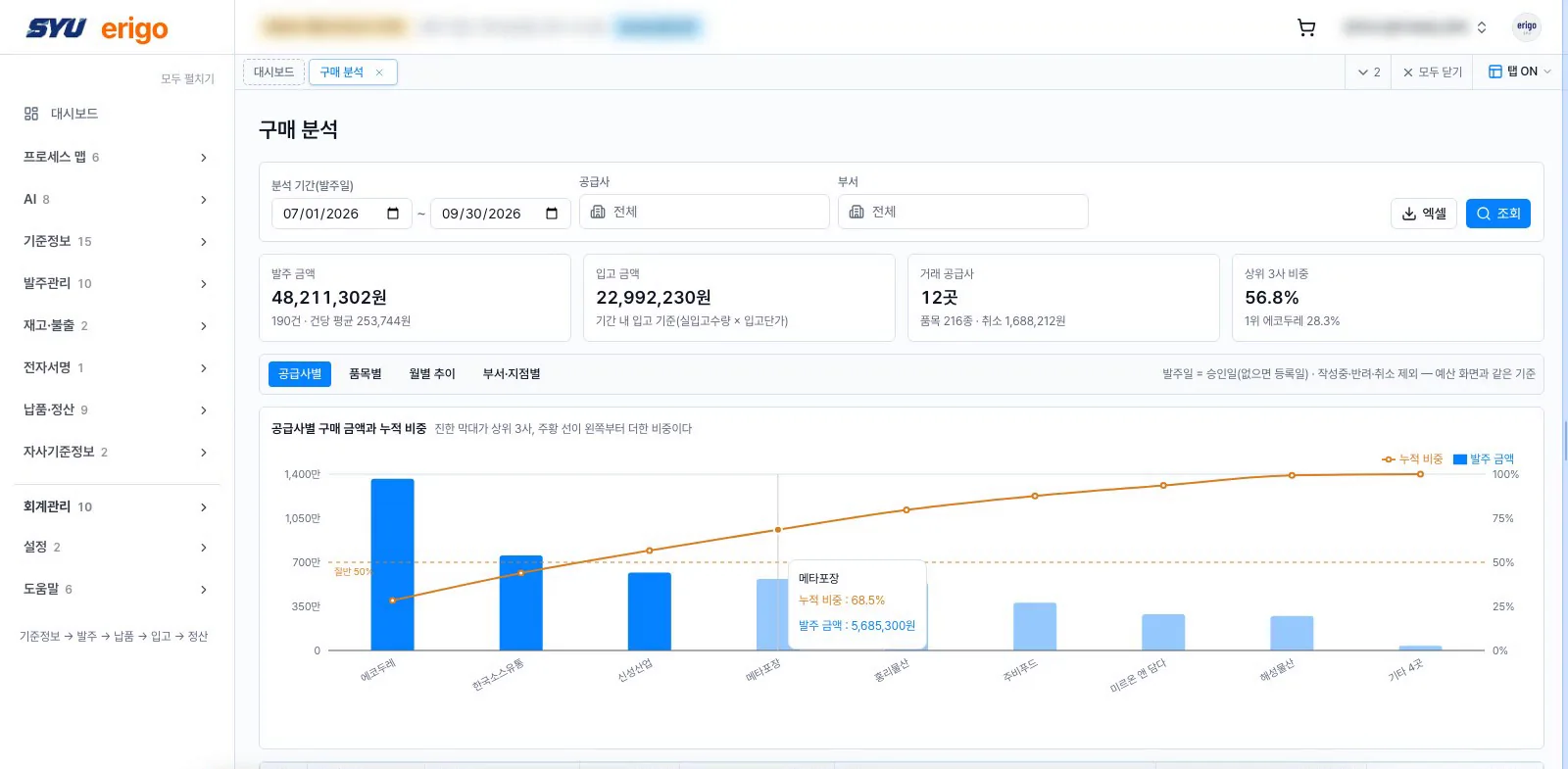
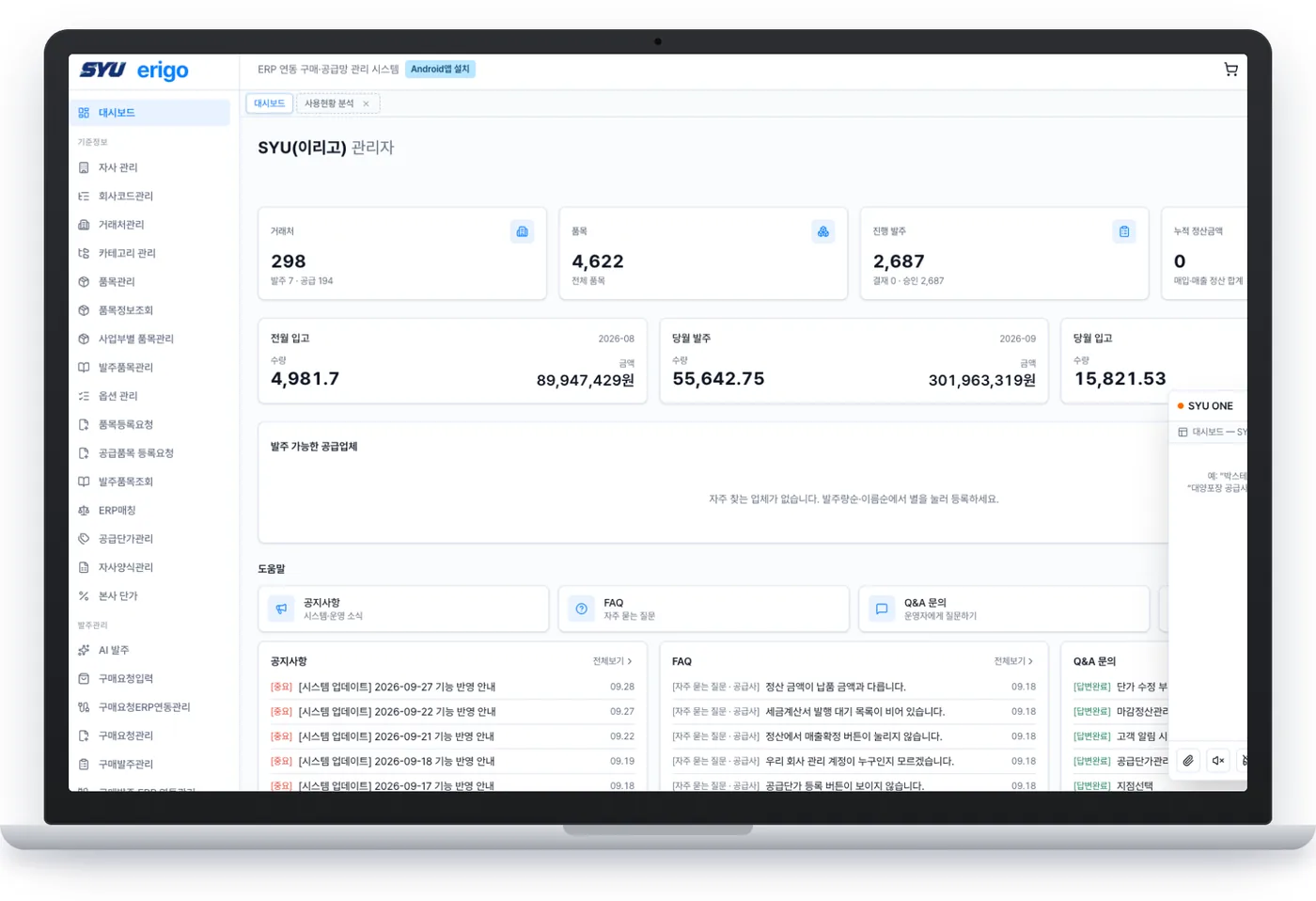
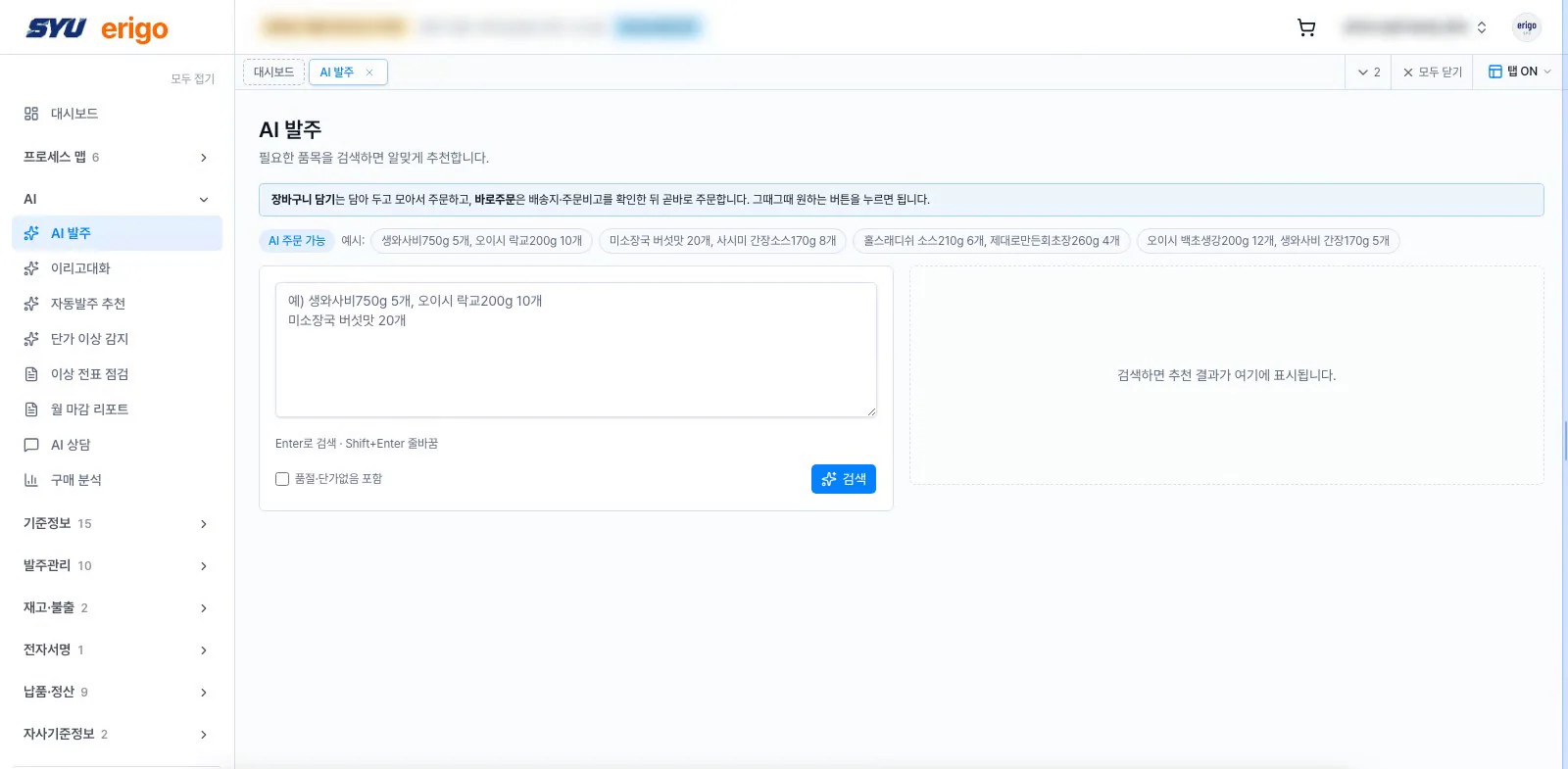
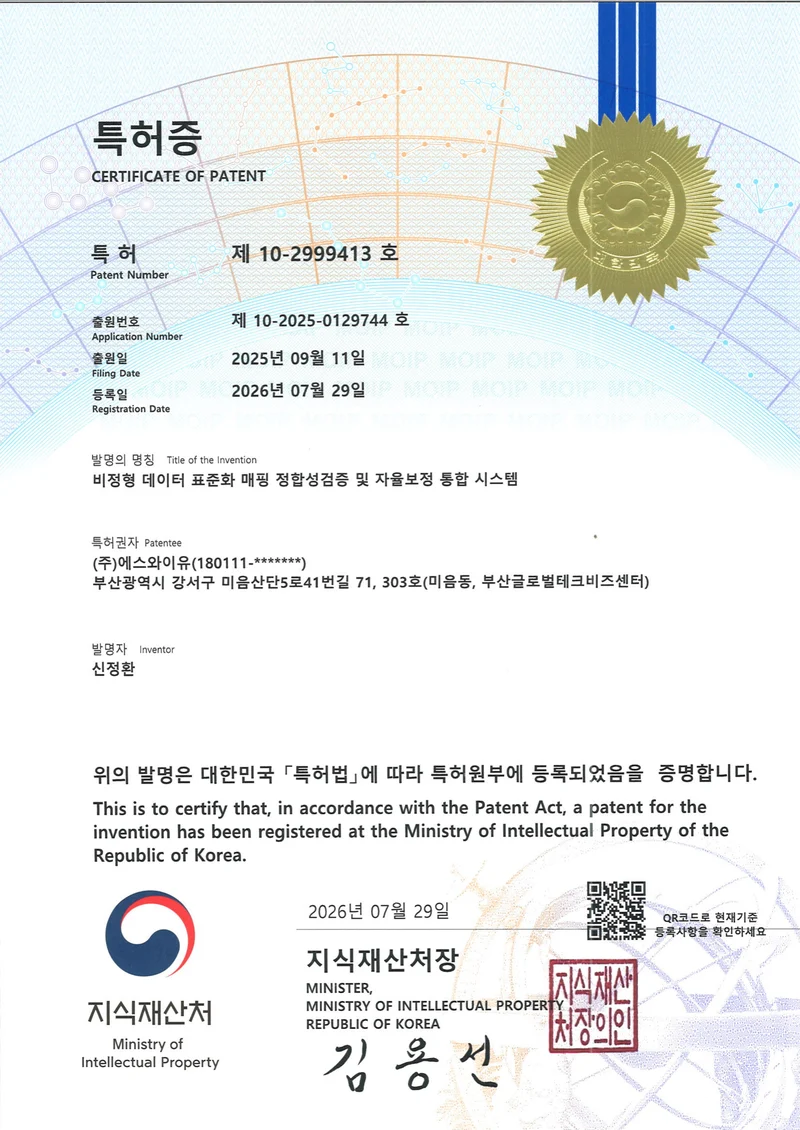
One line of instruction, entries in every module
SYU ONE reads instructions sent by chat, text or social apps and turns them into sales, purchasing, production, trade, MES and WMS entries, then posts them to the systems you already run. Your systems and approval lines stay as they are.
- Master-data match accuracy
- 96.7%
- Wrong auto-confirmations
- 0
- Time to go live
- 2 days
Thousands of orders a day, over different messengers
Each branch and site uses its own messenger, and people write the same item in different ways. Buyers used to read every message, look up item codes and suppliers, and retype them into the system.
- Domestic and global messengers, text, social apps
- Voice, photos and spreadsheets
- The same flow from branches, sites and suppliers
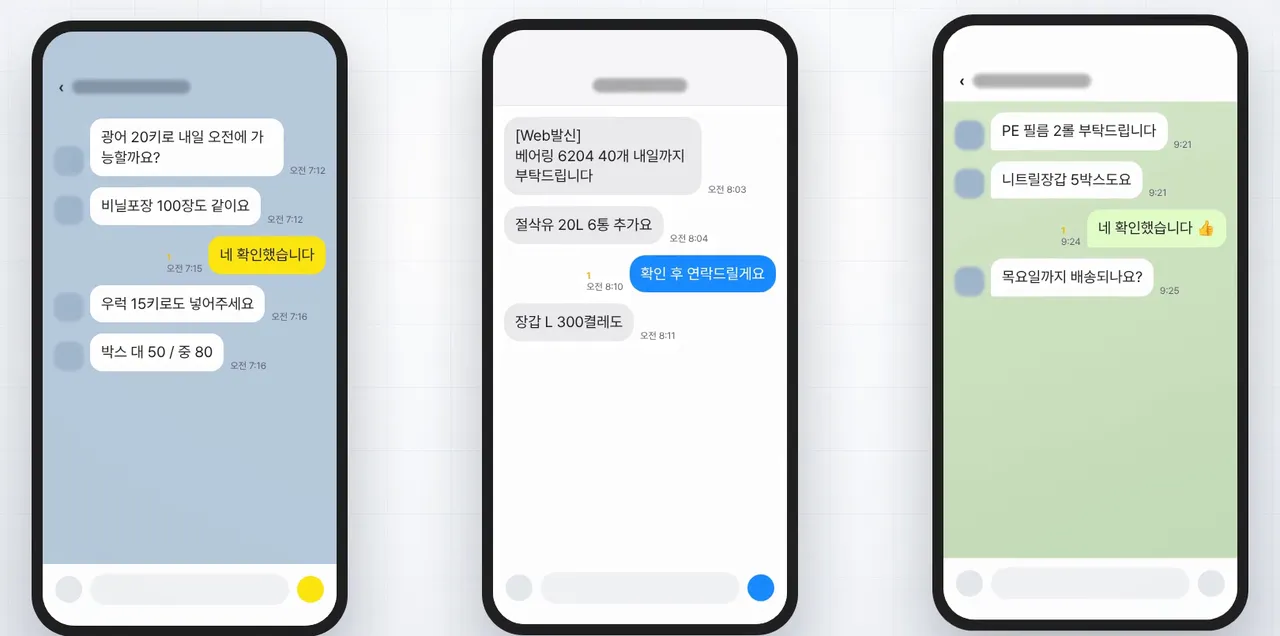
35 minutes when people retype it
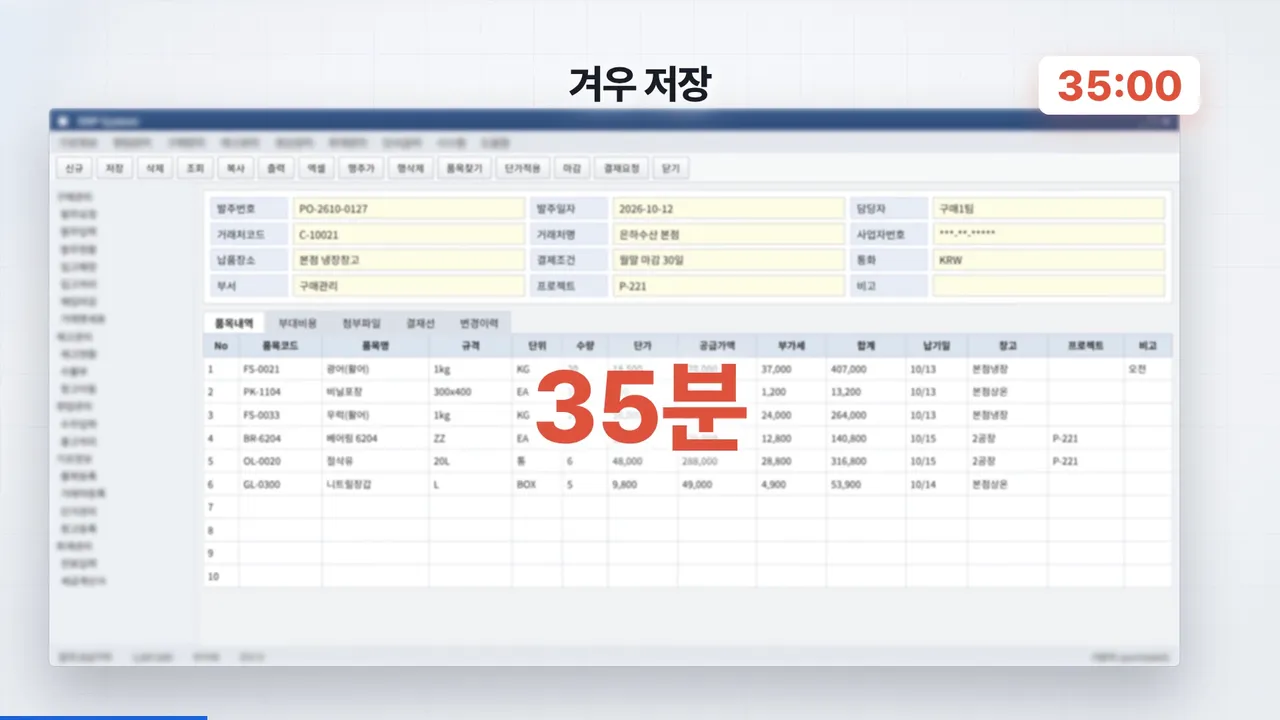
Find the supplier code, enter items one by one, re-check prices over chat, start over after a mistake. This is the real time it took to save one order.
| Manual ERP entry | 35 min |
|---|---|
| SYU ONE | 4 min |
| Time saved | 89% |
| Hours saved per year | 7,750 |
| Full-time equivalent | 4.1 |
Time study of 1,000 orders by three buyers at a customer, May–June 2026. 60 orders a day, 250 working days, 1,900 hours per person a year.
A chat line becomes a purchase order and goes straight to your system
- Message in
- Task sorted
- Master data matched
- Entry drafted
- Required fields checked
- Sent to the system
- Posting confirmed
Entries for eight modules
- SDSales order“20 kg of fresh salmon to the hotel by next Tuesday”
- PRPurchase request“Requesting 500 sheets of packaging”
- POPurchase order“Order 40 bearings”
- PPProduction order“Line 2, 300 kg of fillets this afternoon”
- EXExport“Prepare 400 cartons for the Tokyo buyer”
- IMImport“Clear customs and receive the Busan port arrival”
- MESWork results“Line 1 morning output: 1,200 units”
- WMSWarehouse“Put away the receipt in A-03”
Sample messages are illustrative.
It sits on top of the systems you already run
Live in 2 business days
No system replacement. Entries are passed to your ERP and in-house systems in the way each one accepts, and purchasing rules and approvals stay as they are.
Messaging orders and ERP automation
SYU ONE organizes orders received through messages against item codes and business partners. Explore integration with existing ERP systems, purchasing controls, and customer implementations.
How does messaging order automation work?
Re-entering a message-based order into an ERP involves reading the request and finding the corresponding item and customer codes. SYU ONE helps organize that information into a draft entry for a person to review before passing confirmed information to the existing system.
1. Match order details with master data
Order details such as business partner, item, quantity, unit and delivery date are compared with item and partner master data. During consultation, we review the format of your usual order messages and master data.
2. Review and follow existing approvals
A person checks the information organized by AI before it is processed. Define what the reviewer checks and which system handles approvals so your existing purchasing rules and approval chain remain in place.
3. Send confirmed entries and check the result
Confirmed entries are passed using an approach suited to your ERP and internal systems. The procedure for checking the result is agreed according to the target system and entry type.
What to prepare for an implementation discussion
Prepare the ERP name and version, the entry types you want to automate, and example orders with personal and sensitive transaction information removed. Processing scope and integration approach are reviewed against your environment.