

Home › Products › Integration & Controls
Integration & Controls
AI agents, purchasing, warehousing and business management
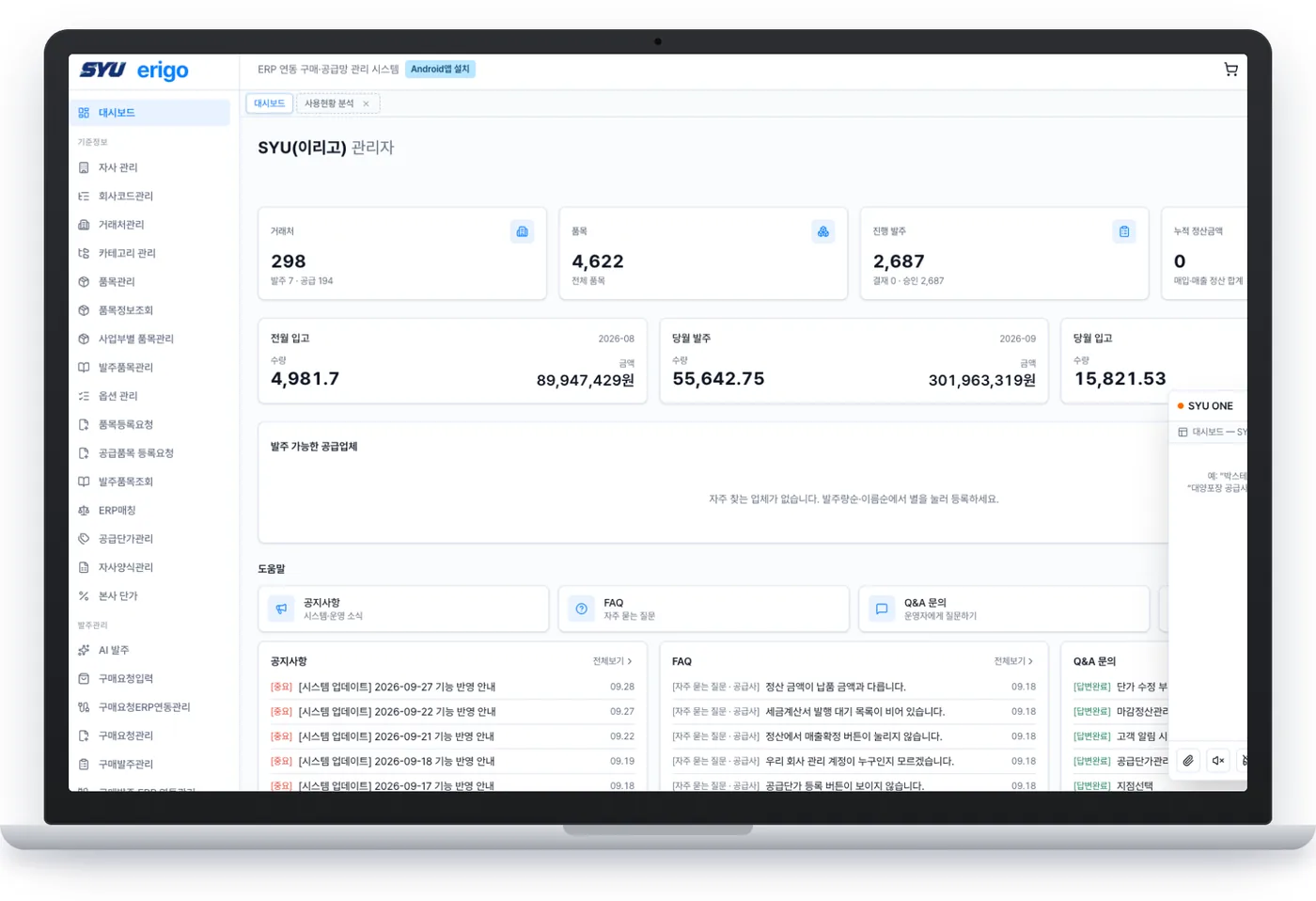
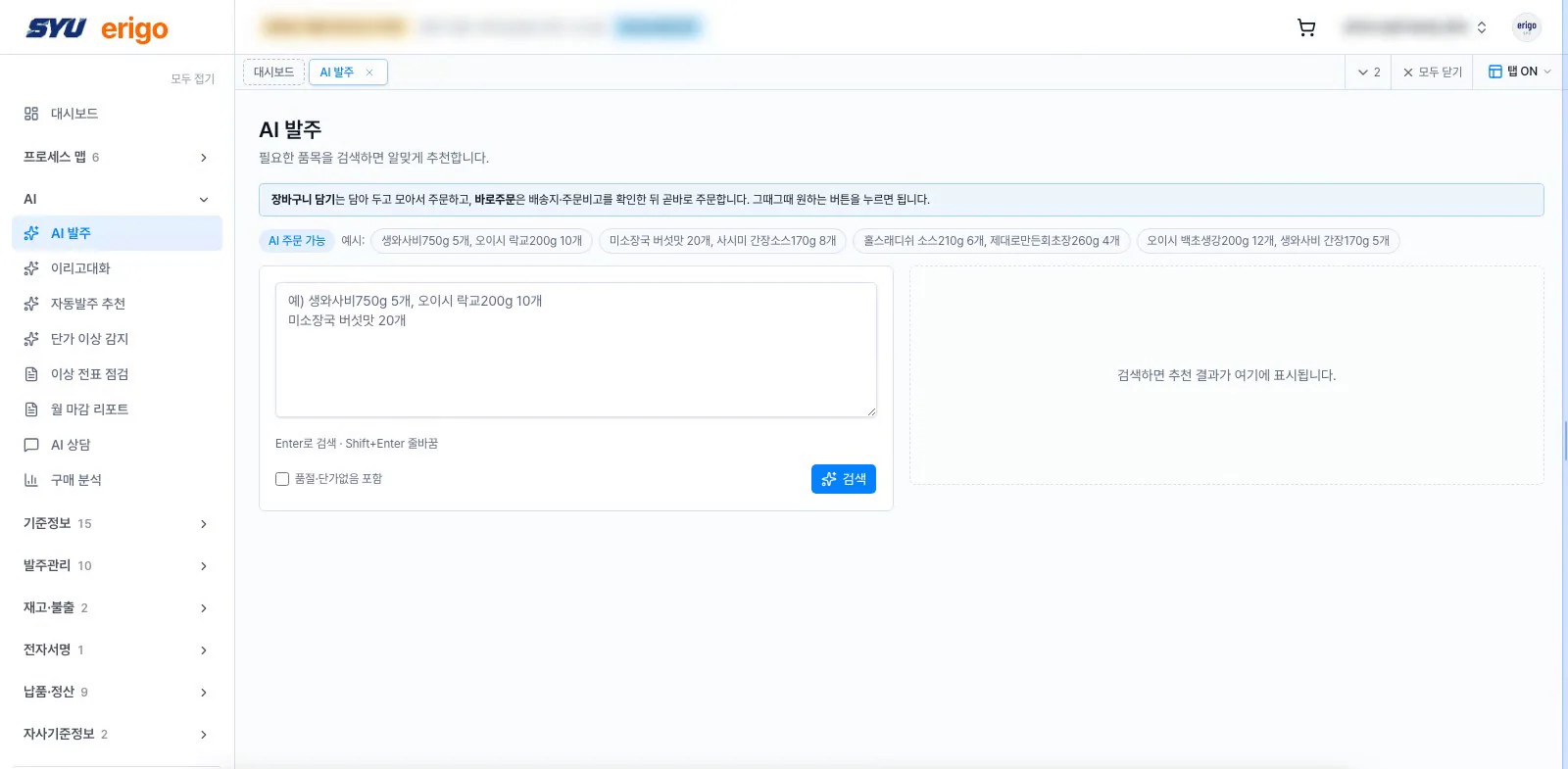
We sit on top of your ERP instead of replacing it. What goes away is typing. Purchasing rules, approval chains and accounting stay as they are.
Connects with
| Input channels | Local and global messengers, text and chatbots, email, voice, photos and delivery notes, spreadsheets |
|---|---|
| Customer ERP | Douzone ERP10, Oracle-based ERP, screen-based ERP, ECOUNT, in-house systems |
| Internal systems | Single sign-on, approval systems, e-contracts, accounting and e-tax invoices |
| Deployment | Subscription (2-day onboarding), custom build for large customers, pilot at a few branches before rollout |
Purchasing controls
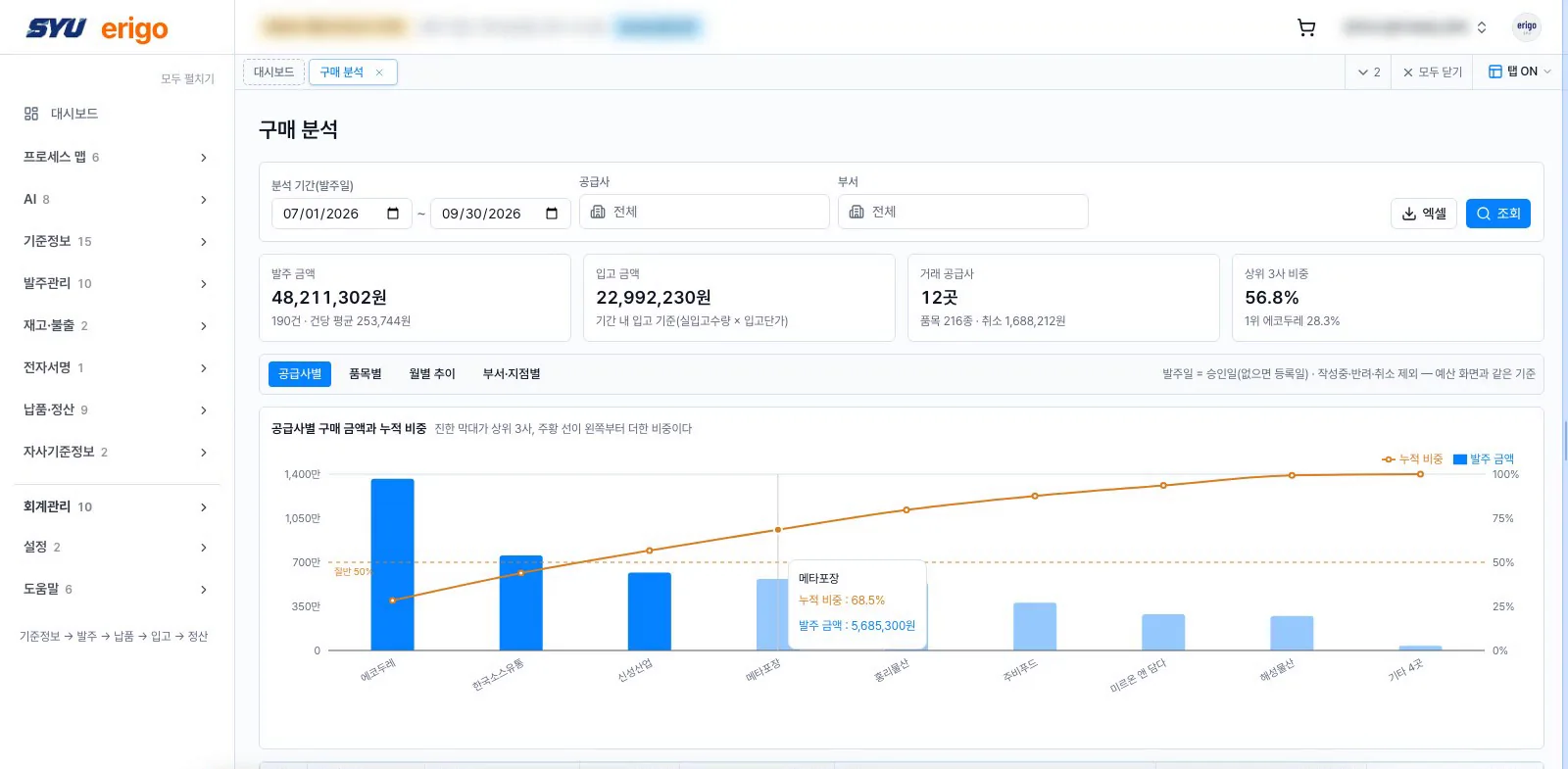
| Policy | Procedures for each amount band (single source, quotes, tender), minimum number of vendors and approval steps are set up front. |
|---|---|
| Budget | Allocated, spent and in-approval amounts are shown together. Over-limit requests need higher approval. |
| Selection | Vendor selection method, reasons and compared quotes are recorded with the request. |
| Fair quotes | Quoted amounts stay hidden from requesters until the deadline. |
| Contract limits | Orders beyond a contract's term or ceiling cannot attach to that contract. |
| Audit trail | Who did what, when and from which device is recorded. |
Four checks before integrating your existing ERP
Companies using the same ERP can have different configurations and operating procedures. Review the actual input fields, approval process and security requirements alongside the system name before introducing purchasing automation.
Business process and entry scope
Choose whether to start with purchase requests, purchase orders or inventory movements, then check mandatory fields and item and partner codes. Use examples with sensitive information removed during consultation.
Input channels and integration environment
Review the formats used for messaging, text, email and spreadsheets alongside your ERP version and operating environment. The connection approach and implementation scope are determined during the initial review.
Purchasing rules and approval permissions
Document approval levels by amount, budget checks, contract limits and human review points. Align the workflow so approval responsibilities and purchasing controls continue after automation.
Security requirements and pilot criteria
Review authentication, access permissions, network configuration and processing-record requirements. During a pilot, check whether entries reach the system, what needs correction and how long staff spend processing them before agreeing on expansion.
Review the right scope for your company
Identify which data-entry tasks can be reduced while retaining your existing ERP. Schedule and integration scope depend on the environment and any custom work required.